AI Image Quiz for Students: A 20-Minute Media-Literacy Exercise
The AI image quiz works as a classroom exercise because it needs nothing but a browser: no accounts, no installation, no preparation beyond opening one page. Students look at an image, vote real or AI, and the game resolves the answer immediately. The learning happens in the discussion afterwards, when the class compares the clues each student used and finds out which ones held up.
Three images, three decisions
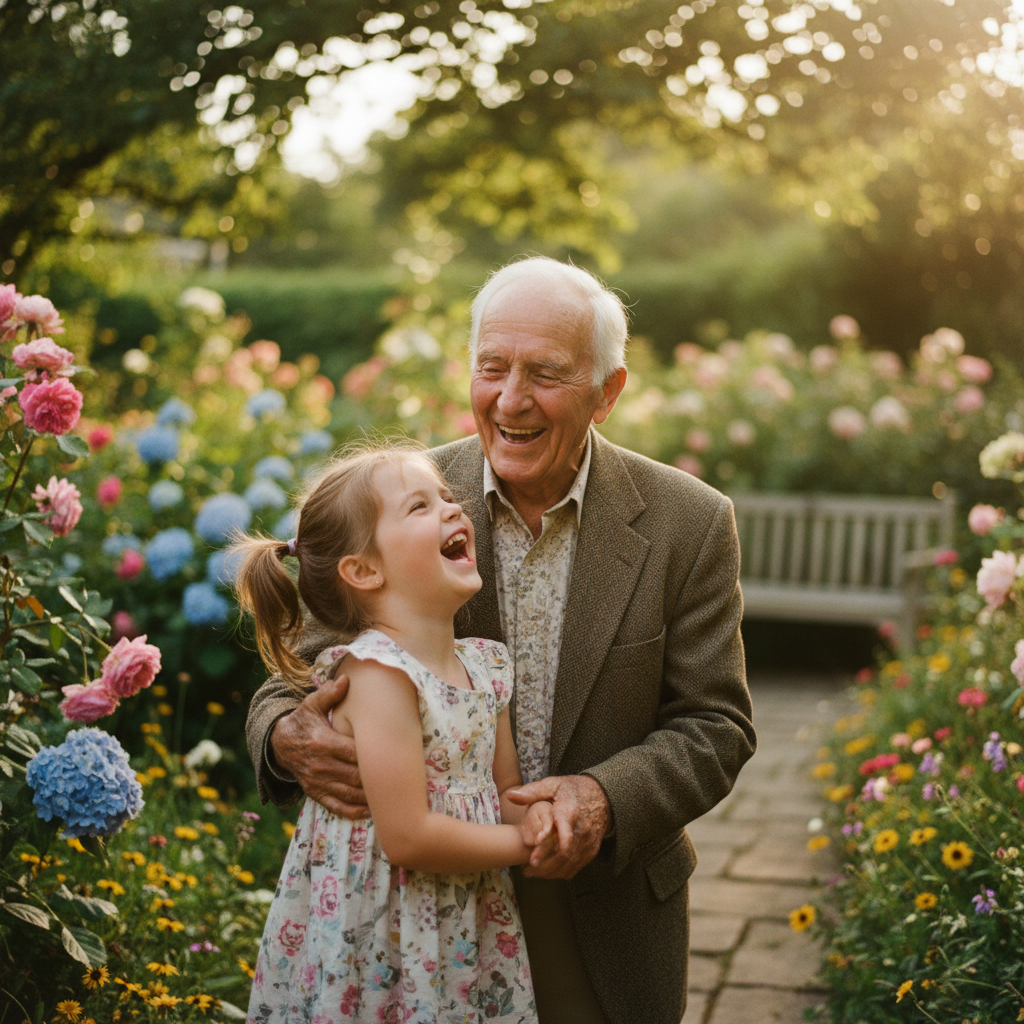
Tap real or AI — the answer resolves immediately, no sign-up.
How to run it in 20 minutes
Five minutes: open this page on the projector and play the three practice images with a show of hands. Write the vote count next to each image before revealing the answer. The gap between the vote and the truth is the lesson.
Ten minutes: play the full ten-round game together, or let pairs play on their own devices. Five minutes: collect the clues the class used, and check them against the list below. Which clues actually survived, and which ones were coincidence?
The discussion prompts that do the work
These questions work in almost any age group from secondary school upwards:
- What did you look at first, and why?
- Which clue convinced you, and would it convince you again?
- Which real photo looked most artificial, and what made it look that way?
- Who would benefit if this image were believed — and who if it were doubted?
- What would you need to see before you forwarded it?
Why the wrong answers matter more than the right ones
A class that scores eight out of ten and cannot explain why has learned nothing durable. A class that scores five and can name the two clues that misled them has learned how to look. For that reason, ask for the reasoning before the reveal, and reward the honest 'I guessed'.
The most valuable moment is usually a real photograph that the majority marked as AI. It shows that the class is applying an aesthetic rule — smooth means fake — which happens to be false in a world of retouched product photography.
What the exercise does not cover
Spotting a generated image is a narrow skill. It does not tell students whether a real photograph is being used misleadingly, whether a statistic is correct, or whether a headline matches the article beneath it.
Treat the quiz as an entry point into source checking rather than as a replacement. The reverse image search step, which most students have never used, is the single most transferable thing in this lesson.
Practical notes for teachers
No account and no login are needed, and the exercise works on school hardware with a current browser. Sound is off by default, so a projector or a class set of headphones is not required.
If students type names into the game, use first names only. Results are visible on a public leaderboard, so the class should decide together whether to appear there at all.
Frequently asked questions
Do students need accounts?
No. The quiz runs without login. Only the optional leaderboard uses names, and those are free-text, so first names are enough.
What age group is this suitable for?
Secondary school and above works well. Younger classes can use the three practice images and skip the scored game.
How long does the exercise take?
About twenty minutes with discussion. Ten minutes if you only play the game.
Does it work on tablets?
Yes. The layout is built for touch, so a class set of tablets works without a keyboard.
You might also like
Start the full game
Ten images, one decision each, points for speed and accuracy. Free, no account needed.
PlayWir nutzen lokalen Speicher für Betrieb, Sicherheit und Spielfortschritt. Mit „Alle akzeptieren" erlaubst du zusätzlich Werbung (Google AdSense), die Cookies setzen kann. Details in der Datenschutzerklärung.